





I’d expected 5G to show up on a pole outside my house, but 5GHz is being piped right into our homes through our internet routers. The good news is that you can currently still disable it.
I’d originally posted the article below when I noticed a drastic increase in the radiation coming from my router that was sitting in a $90 protective router guard. After initially being able to lower the radiation coming from the router by wrapping it in layers of aluminum foil (below), the levels continued to rise even higher – to the point where I decided to disconnect WiFi completely until I figured out what to do. When I went into At&T’s control panel on the web to do that, I found an entirely new 5 GHz section on the WiFi page:
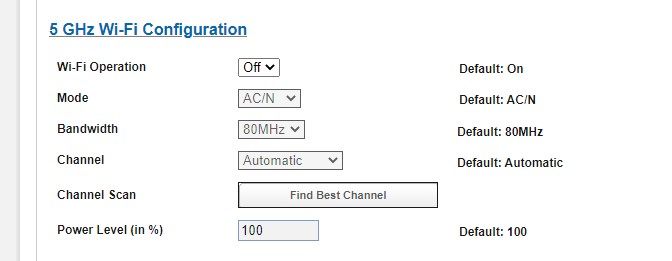
As you can see in the screenshot, I switched it “Off,” leaving the original 2 GHz Wi-Fi Configuration “On.” I still have Wi-Fi, but the readings on my RF analyzer (see below) dropped down to near nothing.
Here are instructions for you to do the same thing with various routers:
In case you don’t know: You do NOT need to have your phone’s WiFi ON all the time. It only needs to be connected for updates on the device. I keep the WiFi on my phone turned OFF unless I briefly need it.
Original post:
There has been a marked change in the amount of radiation being emitted by our internet routers.
If this is a new topic for you, let’s start with why WiFi radiation is a problem.
We trust the FCC for safety limits, never questioning how they arrive at those standards. And while I’m not going to go into the “why” of all that here, it is a fact that the FCC’s “safety” level for radio-frequency radiation (RF) is purely based on the heating effects of the radiation and not its effects on human cells. I don’t mean to scare anyone, but to illustrate how insufficient that standard is, here are some examples of the effects of EMF waves on blood cells.
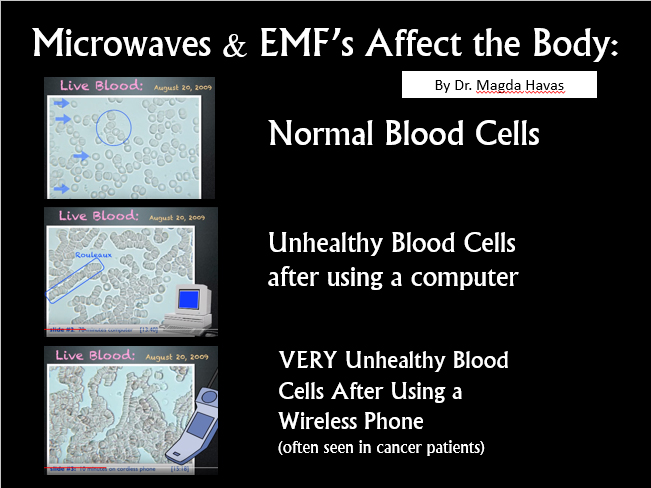
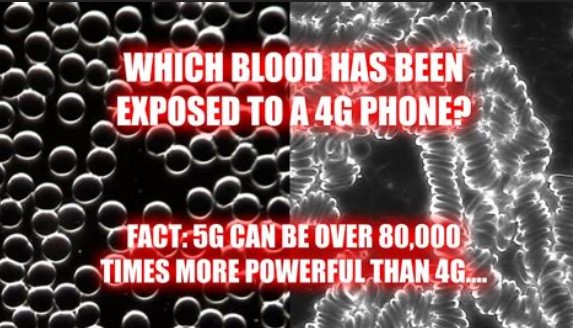
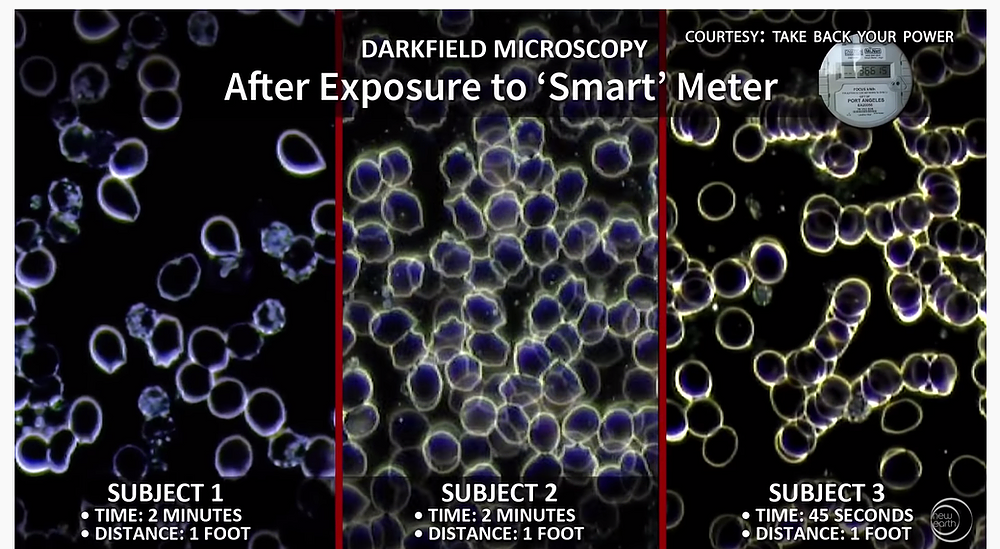
The “safety” figures are further complicated by the differences between wave strength, wave length, megahertz & terrahertz… (Just to give you an idea of how complicated it gets, here’s an informative article about Smart Meters that goes into all this).
The average person simply doesn’t have the time or patience to try and make sense of it all. But, bottom line, the US has the highest “safety” standard in the world; ten times higher than “safety” levels in most of Europe. I don’t know how it is in Europe, but here in the US, device measurements are also altered to meet their already faulty safety standards.
This is the type of AT&T internet router I have.

It sits in a Router Guard like this one. (These run about $90 on Amazon)
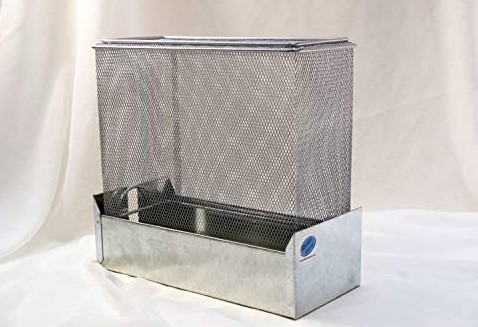
The Router Guard originally worked real well. It brought RF levels coming off the router from over 2000 µW/m² to less than 20 µW/m² (negligent amt).
Around Christmas this year, I started experiencing headaches, dizziness & nausea. I thought I just had a mild case of the flu or a flare up of the early Lyme I manage to keep under control. After talking with someone about 5G being “turned on” sometime this month, (also see: links between 5G and flu-like symptoms), I thought to test my internet router (which is still sitting inside the router guard).
This is the RF analyzer model I have:
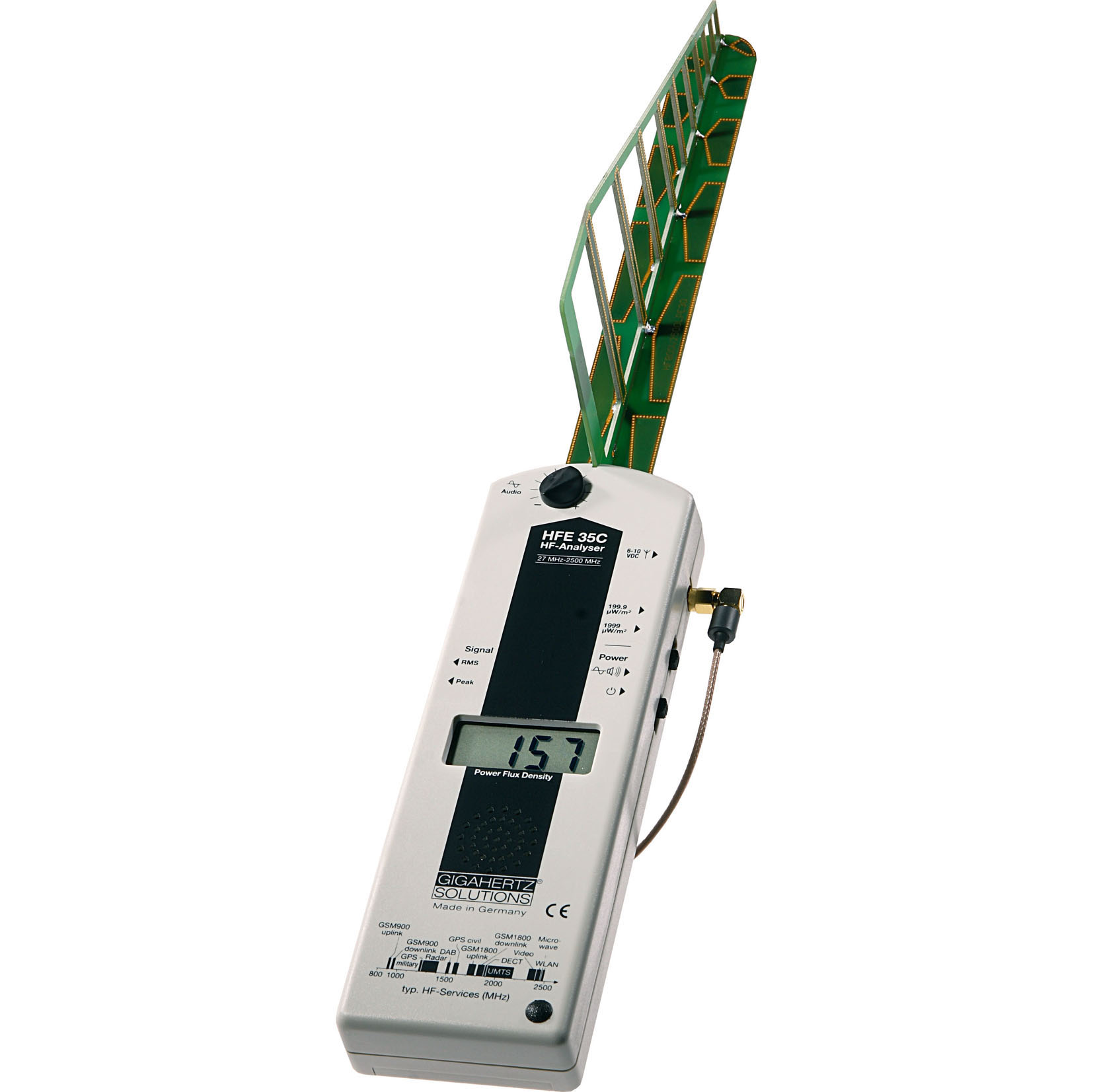
When I tested the router, the analyzer Maxx’d out at 2000 µW/m², (meaning the actual level was higher than 2000 µW/m².)
When you see the meter showing a “1” that indicates it exceeding the maximum level the analyzer is able to read.
Please excuse the video quality (and kindly overlook my mess of wires). I unwrapped the router and filmed this in a hurry. But you can see how high the readings are even with the router sitting inside the router guard. Like I said, this is new, and the router guard is USELESS against it.
The analyzer also detected Smart Meter “clicks” coming directly from the Router, which is new. (My Smart Meter has a Guard on it too.)
SOMETHING has definitely changed!
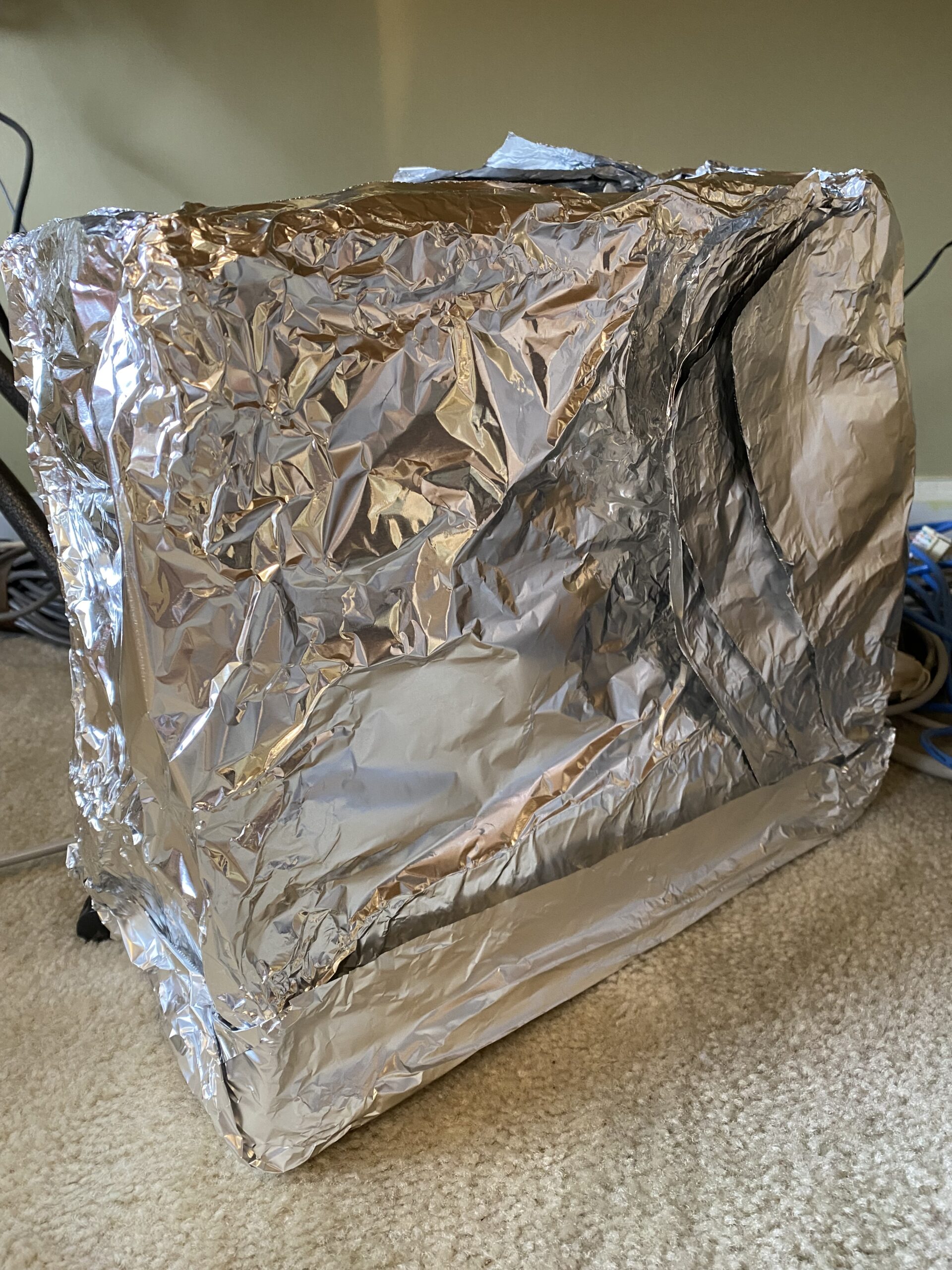
In an effort to bring the levels down, I wrapped the Router & Guard in 8 LAYERS THICK of heavy duty aluminum foil. That brought levels way down and the WiFi STILL WORKS JUST FINE.
I immediately felt better once the router was wrapped.
I’m in touch with an expert to try and figure out what is going on. Right off the top he said,
“It’s possible that AT&T is ramping up the output to test their system and that may be what you experienced.”
Test their system for what, 5G? I don’t know.
Please check your routers! Others are reporting similar symptoms and also nose bleeds since right around Christmas. If you are having any of these symptoms and don’t have an analyzer, you can try my messy fix (I’m sure you can improve on it.) Like I say, the relief was immediate.
Here is an article about possible connections between electromagnetic frequencies and Coronavirus, but be aware this is a government website:
More information about how EMF may be affecting your health:
https://emf-guard.com/emf-health-risks
Keep watch!